The leading solution for enterprise uptime monitoring.
UptimeRobot partners with leading agencies, service providers, and enterprises to provide custom monitoring solutions at scale.





Monitor reliably, securely, and cost-effectively.
Ensure your websites, servers, and applications are always accessible with uptime monitoring trusted by millions.
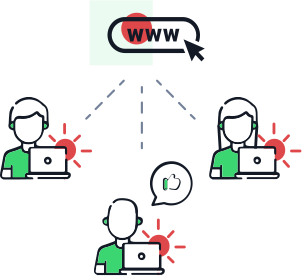
Collaborate effortlessly with your team.
Share account access with your team to manage monitors and incidents while keeping everyone informed. Assign admin, write, read, or notify-only permissions for streamlined collaboration.
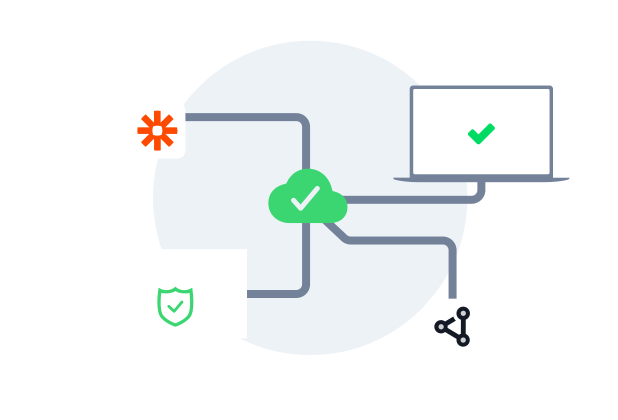
Integrate easily with your favorite tools.
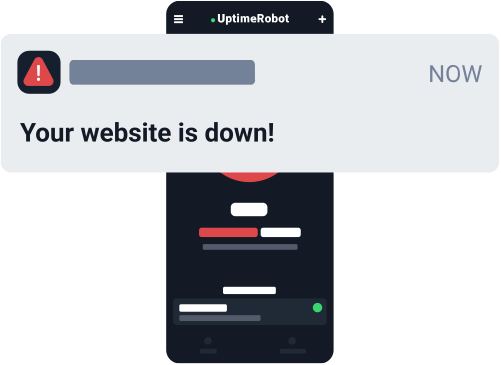
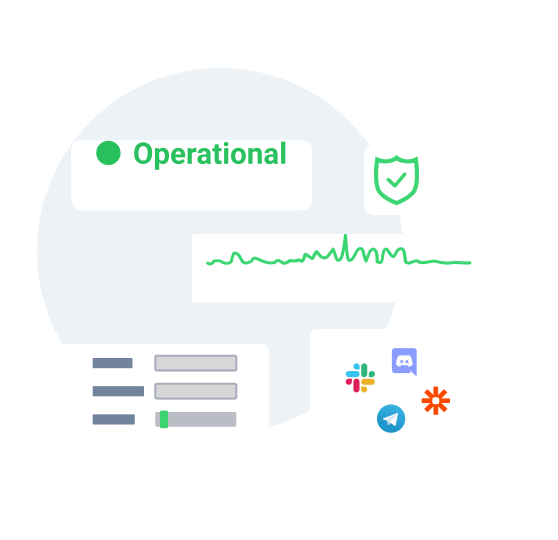
Connect with up to 17 integrations, including personal notifications via email, SMS, voice calls, and push notifications or native integrations with tools like Slack, MS Teams, Telegram, PagerDuty, Pushbullet, and Mattermost. Learn more about integrations.
Manage your account and monitors via API.
Create, edit, or delete monitors, configure alert contacts, and set maintenance windows effortlessly using UptimeRobot’s API. Get responses in XML, JSON, or JSON-P for seamless integration.
Showcase your uptime via customizable status pages.
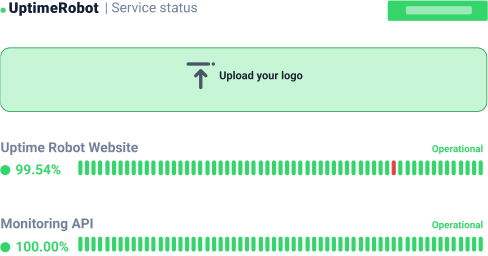
Build trust with your customers by sharing real-time updates through customizable status pages with custom domains. Tailor the design with your logo, colors, and fonts while ensuring clear communication via email notifications during incidents.
Unlock advanced monitoring features.
Exploit UptimeRobot's full potential with our Enterprise offering, featuring advanced response time monitoring, multi-location checks, and incident management for an unparalleled monitoring experience.
Set up Enterprise monitoring in seconds.
Enterprise.
For those who just need more.

- 30 sec. monitoring interval
- Location-specific monitoring
- Response time notifications
- HTTP, port & ping monitor
![Included]() Keyword monitor
Keyword monitor- SSL & Domain exp. monitor
- All 12 integrations
- Full-featured status pages
- 5 notify seats incl.
- 5 login seats incl.


Need more monitors or custom solutions?
Get all the features you need
in one intuitive dashboard.
 Fast monitoring interval
Check critical endpoints more frequently with 30-second monitoring intervals to detect issues sooner and maintain peak performance.
Domain & SSL monitoring
Get customizable alerts before your domain or SSL certificates expire.
Notify & login seats
Assign alerts and manage user access to ensure your team and clients get the correct information at the right time.
Maintenance windows
Pause downtime alerts during scheduled maintenance to avoid unnecessary notifications.
Bulk actions
Simplify workflows by managing multiple monitors simultaneously—edit, tag, pause, or set notifications in bulk.
Tagging
Organize monitors effortlessly by grouping them with customizable tags for easier management.
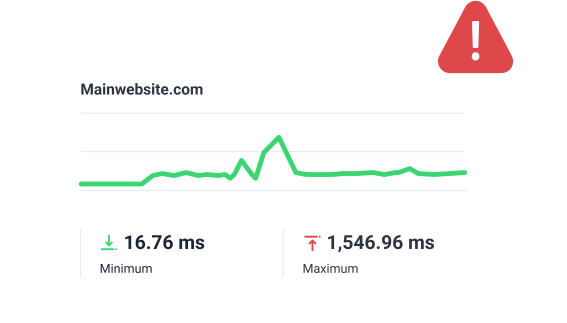
Response time monitoring
See your response times in a chart and get alerts when your website or service responds slower than usual.
Multi-location checks
Create monitors with specific monitoring regions you can choose and catch issues that only appear in specific locations.
Incident management
Get a single overview of all incidents. Filter by status, root cause, or custom tags, tag teammates for instant collaboration, and push updates to your status pages.



Why users trust UptimeRobot.

Reliable service
It was a wonderful experience and I would highly recommend it. UptimeRobot has exceeded my expectations with its efficient monitoring and notification system. Thanks to their service, I've been able to stay on top of any downtime issues and ensure maximum uptime for my online presence, highly recommended!
UptimeRobot Works Great -- And Believe It!
Our Native Amerrican news magazine/public service website is www.nativeamericatoday.com. Our former developer did a horrible job, which continually allowed bots to attack the site -- we went over our server's resource limits multiple times and crashed...
Piece of Mind Monitoring
I have recently moved monitoring to UptimeRobot for some critical links and external facing services within our organization. Internal monitoring programs are great until the internet is down and you don't know because you can't get the alerts out...
Frequently asked questions.
Does UptimeRobot have SOC 2 certification?
Yes, UptimeRobot has completed an independent SOC 2 audit. If you need the latest report for procurement or a vendor review, please book a demo.
Can I manage Enterprise monitors through the API?
Yes. The API is a practical choice when you want to create monitors programmatically, update alert contacts, handle maintenance windows, or keep monitoring aligned with deployments and infrastructure changes. It is especially useful for teams that do not want the monitoring setup to live only in the dashboard.
Who is UptimeRobot Enterprise best suited for?
The Enterprise plan is built for teams that need the fastest checks, more monitors, and clearer ownership across engineering, ops, support, or client-facing teams. It works best when uptime monitoring is already an important part of your operations, and you need collaboration, alert routing, and external communication on a single platform.
Can I share uptime with customers without exposing my internal dashboard?
Yes. Status pages let you publish service health and incident updates externally while keeping your internal monitor setup, permissions, and workflows private. That is useful for customer communication when support or account teams need visibility without full dashboard access. Additionally, you can restrict search engines from indexing your public status pages and protect them with a password.
What should I monitor first when rolling out Enterprise?
Start with the services that create the most risk when they fail, such as your main website or app, public APIs, login flows, checkout paths, and SSL or domain expiry. Then add response time alerts, tags, maintenance windows, and a status page so your monitoring setup is useful from day one rather than just noisy. Finally, set up monitors for your external dependencies and 3rd party software and service vendors.
Can we roll out monitoring across hundreds of endpoints without adding admin overhead?
Yes. The Enterprise plan is built for scale with API access, bulk actions, tagging, and maintenance windows, so teams can manage large monitor sets more consistently. That makes it easier to organize services, standardize changes, and avoid one-by-one cleanup work.
Can different teams use the same account without exposing full admin access?
Yes. UptimeRobot supports separate login and notify seats, along with permission levels such as admin, write, read, and notify-only. That lets engineering manage configuration while support, operations, or leadership still get the right level of visibility.
Will UptimeRobot fit into our existing incident workflow and tool stack?
Yes. The Enterprise plan supports API-based automation and integrates with common alerting and collaboration tools, so it can fit into the workflows your team already uses. You can route notifications where responders already work and keep incident handling more centralized.

 Incident management
 IT alerting software
 Status pages