Many Uptime Robot users were asking for an integration with the “push notifications service” Pushover and here it is.
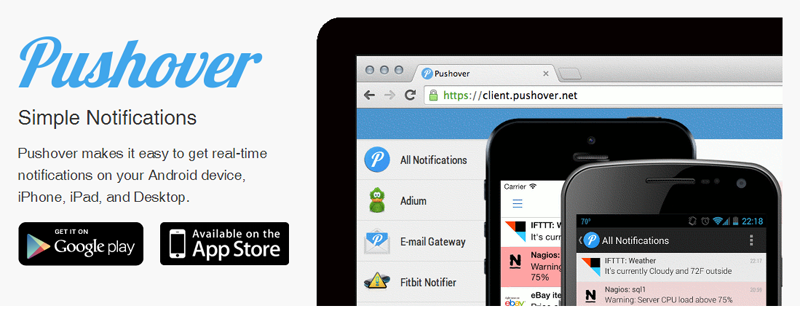
Pushover is a paid app which has support for notifications through Android, iOS, Chrome, Firefox, Safari & Mac OS X Desktop. It has very nice features like defining “quiet hours, delivery groups” and more.
The addition is very simple just like any other alert contact:
- go to My Settings page
- click the “Add Alert Contact>Pushover button”
- enter the Pushover User Key (that can be found in Pushover’s website or apps once logged in)
- attach this new alert contact to the monitors of your choice through the “Edit Monitor” dialogs.
- That’s all.
P.S. Pushover’s supported clients and their download links can be found here.