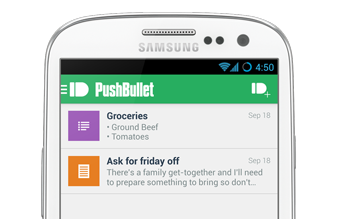
 Today, we are very happy to announce the integration of Pushbullet as a new “alert contact type”.
Pushbullet is an impressive and free service/app that enables users to receive notifications (and also share files) in:
With this integration, it is now possible to get the alerts on all these platforms in real-time. And totally free.
How to use Pushbullet with Uptime Robot?
- Create a free account at Pushbullet
- Install Pushbullet to device and/or browser you prefer
- Copy the Pushbullet API Key from Pushbullet website’s “Account Settings” page
- Login to Uptime Robot and go to “My Settings” page
- Click “Add Alert Contact” and choose Pushbullet
- Enter a “Friendly Name” and the “Pushbullet API Key” and create the alert contact.
- Attach this new alert contact to the monitors you prefer from the “edit monitor” dialog of each monitor.
That easy.